
Manufacturing data package checklist
A practical gate for checking drawings, BOMs, CAD, quality documents, approvals and supplier delivery before release.
Download the working checklist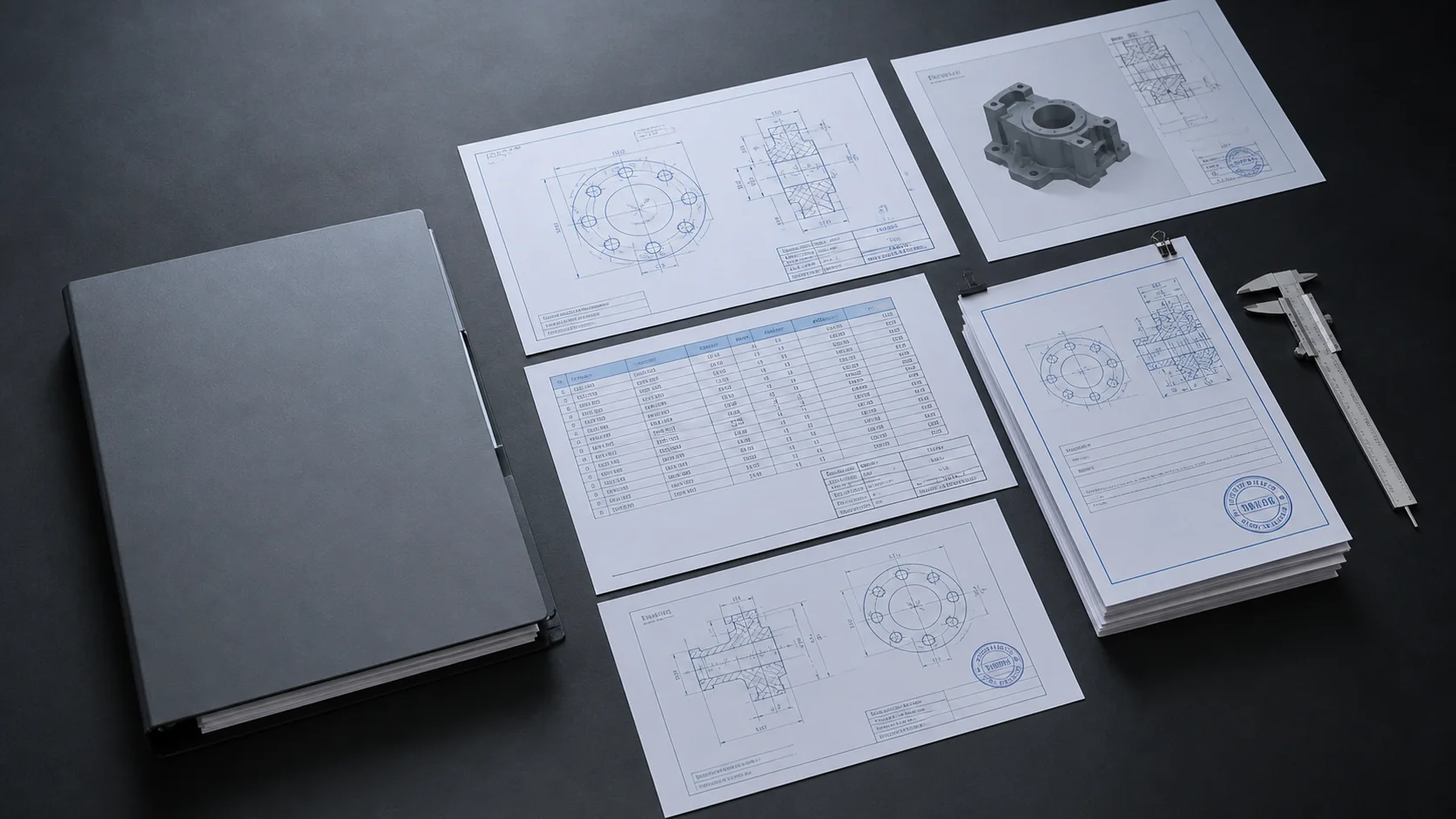
Define the package before collecting files
Start by naming the assembly, purchase scope or manufacturing lot that the package covers. A supplier should not have to infer the boundary from a folder name.
Record the owner, intended supplier, target release date and governing change reference. These details make later revision and approval decisions traceable.
- Package title and internal identifier are unambiguous.
- The supplied assembly, subassembly or part scope is written down.
- An engineering owner and procurement owner are assigned.
- The release date and related ECO, ECN or change reference are recorded.
Build a package manifest
Create one list of every expected deliverable before reviewing individual files. The manifest is the control surface for completeness, not another copy of the BOM.
List required drawings, native CAD, neutral CAD, BOMs, specifications, inspection plans, certificates and supporting documents. Mark conditional items explicitly so an intentional omission does not look like an oversight.
- Every required deliverable has a filename, document number or clear placeholder.
- Required and conditional files are distinguishable.
- Native and neutral CAD requirements are stated separately.
- Supplier-facing notes are separated from internal comments.
Check identity and revision alignment
Compare part numbers and revisions across the BOM, drawing title blocks, CAD metadata and filenames. Do not treat matching filenames as proof that the file contents match.
Where revision conventions differ between systems, record the accepted mapping. Resolve mismatches before approval or document the exception with an owner and reason.
- Part numbers match the intended BOM rows.
- Drawing revisions agree with the approved release state.
- CAD revisions or versions map to the same engineering change.
- Duplicate and superseded files have been removed from the supplier view.
- Every unresolved mismatch has an owner, reason and disposition.
Confirm manufacturing intent is complete
A technically valid file can still be incomplete for manufacture. Confirm the package communicates material, finish, tolerances, quantities and any controlled process requirements.
Check that referenced specifications are supplied or otherwise available to the supplier under the agreed process.
- Material and finish requirements are present and consistent.
- Critical dimensions, tolerances and inspection requirements are visible.
- Make, buy and reference-only items are distinguishable.
- Referenced specifications and standards are accessible.
- Special process, certification and first-article requirements are included.
Approve the package as one release
Approval should apply to the complete package state, not a loose set of independently reviewed files. Freeze the reviewed manifest and retain the reasons for any accepted warnings.
If a file changes after approval, return the package to review rather than silently replacing the file in the delivery folder.
- The approver can see the complete manifest and every warning.
- Accepted exceptions include a decision, owner and reason.
- The approved package has a stable release identifier.
- Post-approval changes trigger a new review state.
Control supplier delivery
Send one controlled package rather than multiple email attachments or independent links. The delivery record should identify exactly which approved release was sent.
Set an appropriate expiry and retain evidence that the supplier opened or acknowledged the package. If the package is replaced, revoke or supersede the earlier delivery.
- The supplier receives one package link or controlled transfer.
- Access scope and expiry are appropriate for the job.
- The delivered release can be traced back to its approval.
- Open, acknowledgement or receipt evidence is retained.
- Superseded deliveries cannot be mistaken for the current release.