

Manual cut planning
Enter stock lengths, finished pieces and quantities, then calculate immediately in the browser.

 LEVRTEK 1D
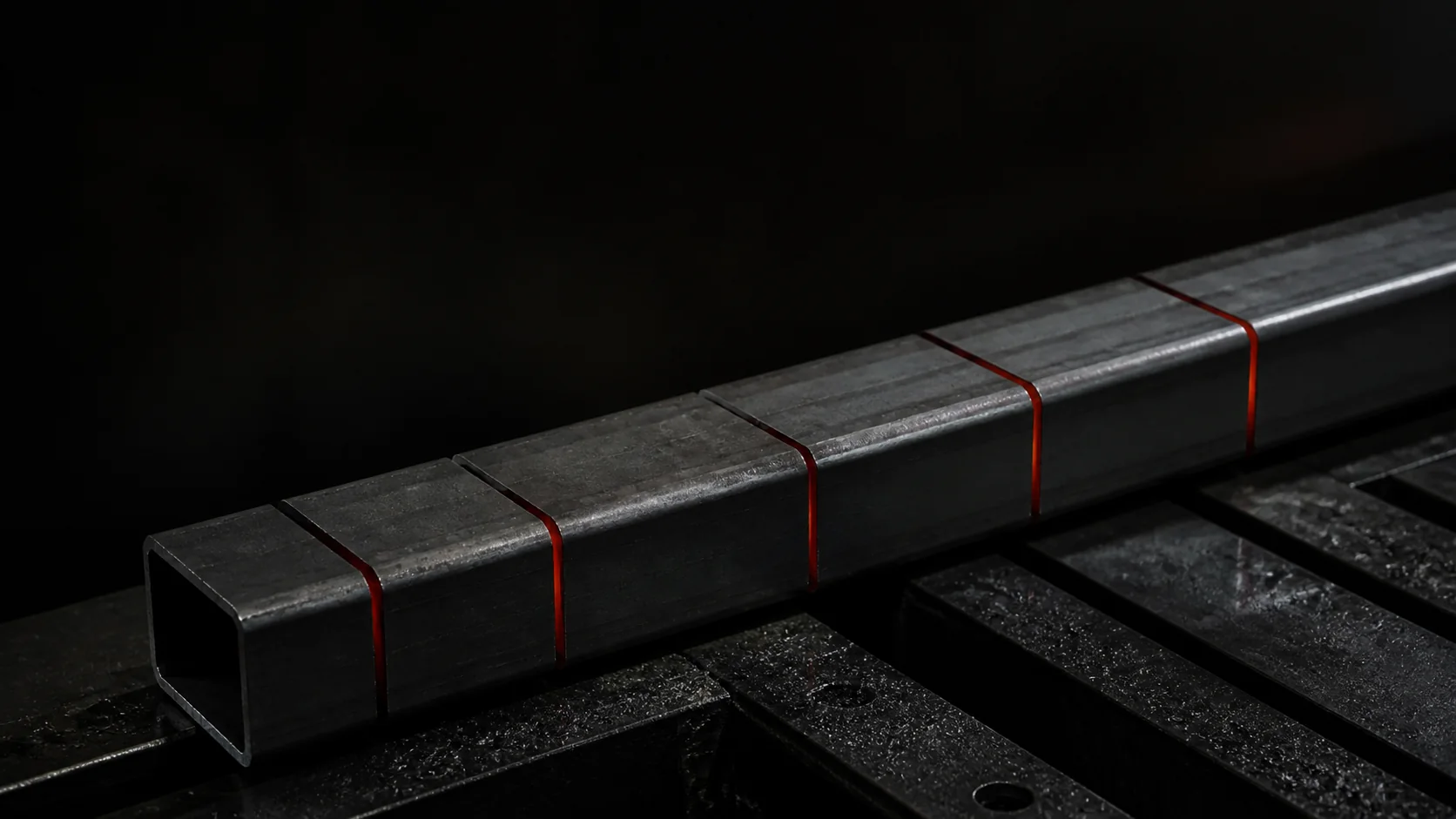 LEVRTEK 1D
Turn required lengths and available stock into a practical cutting plan. Free in your browser, with no account needed to start.
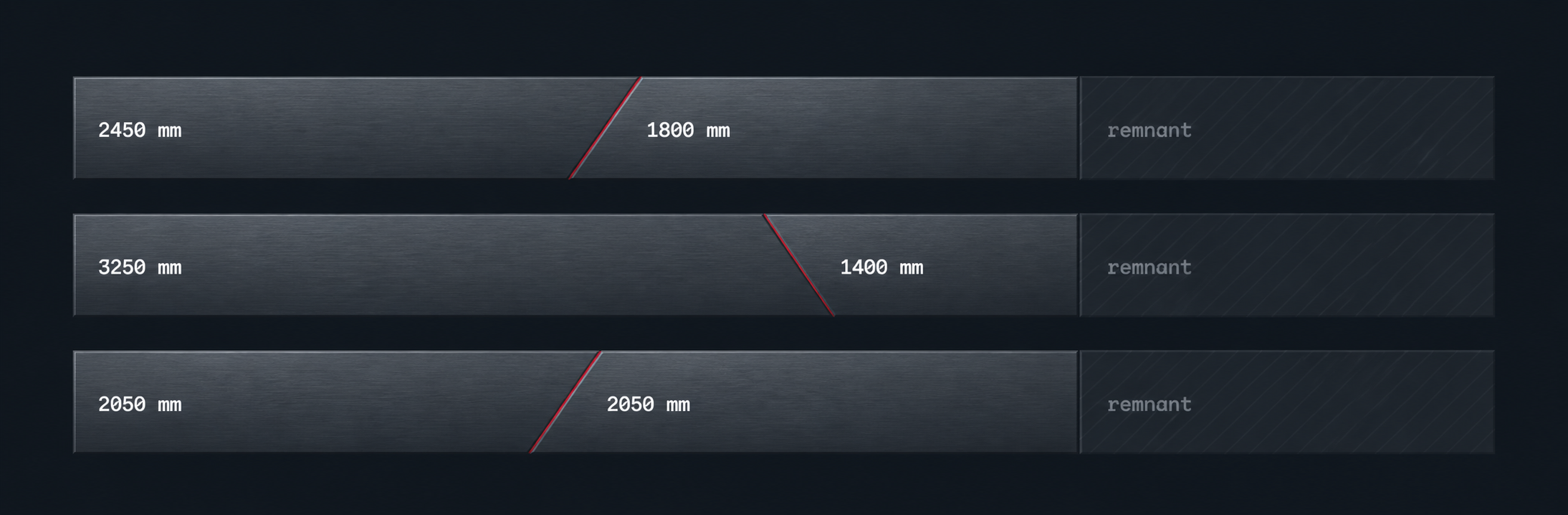
LEVRTEK 1D tests the combinations across your stock and lays out every bar — square cuts, mitres and the remnant left at the end.
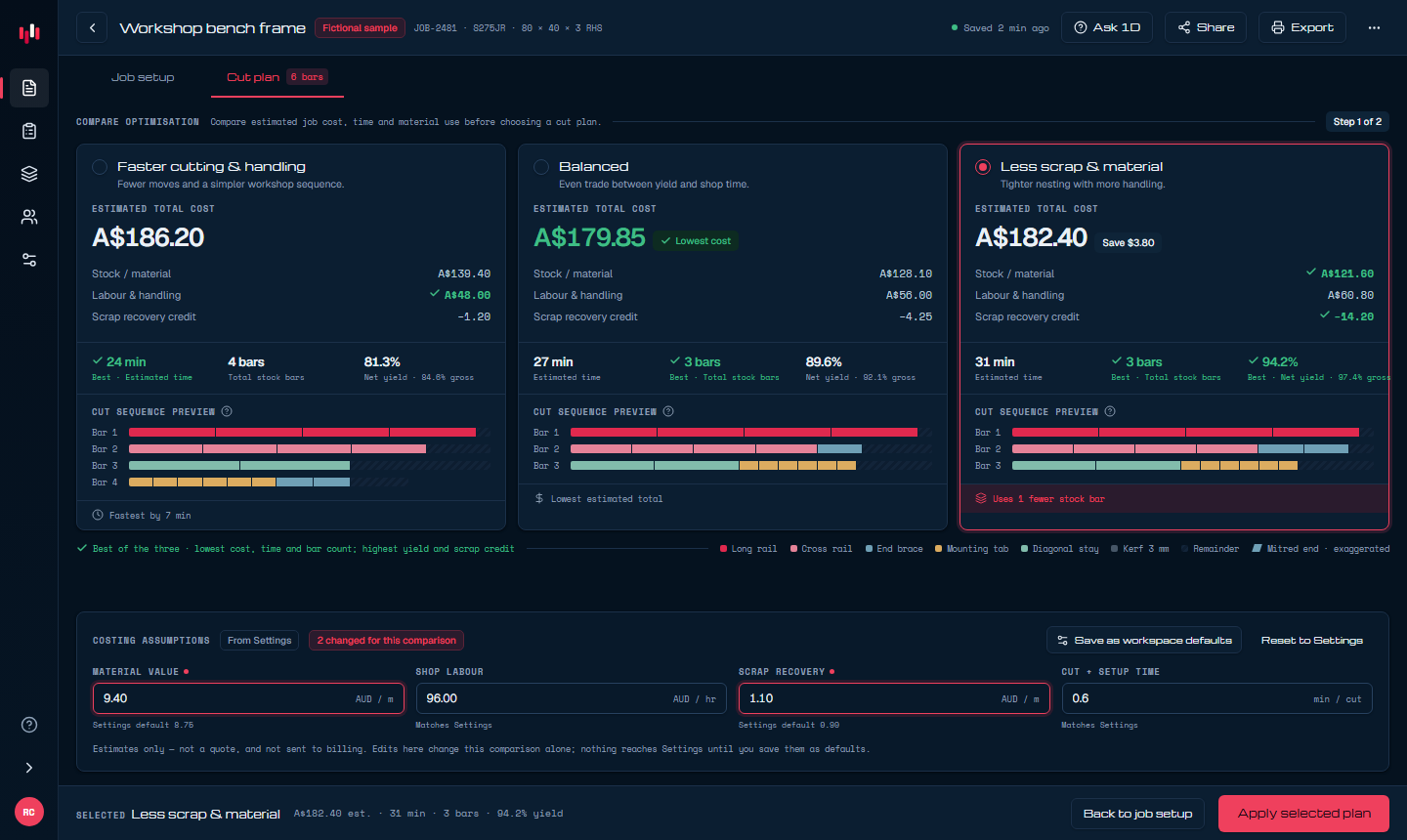
Compare a faster cutting sequence with a lower-waste plan before choosing what matters for the job.
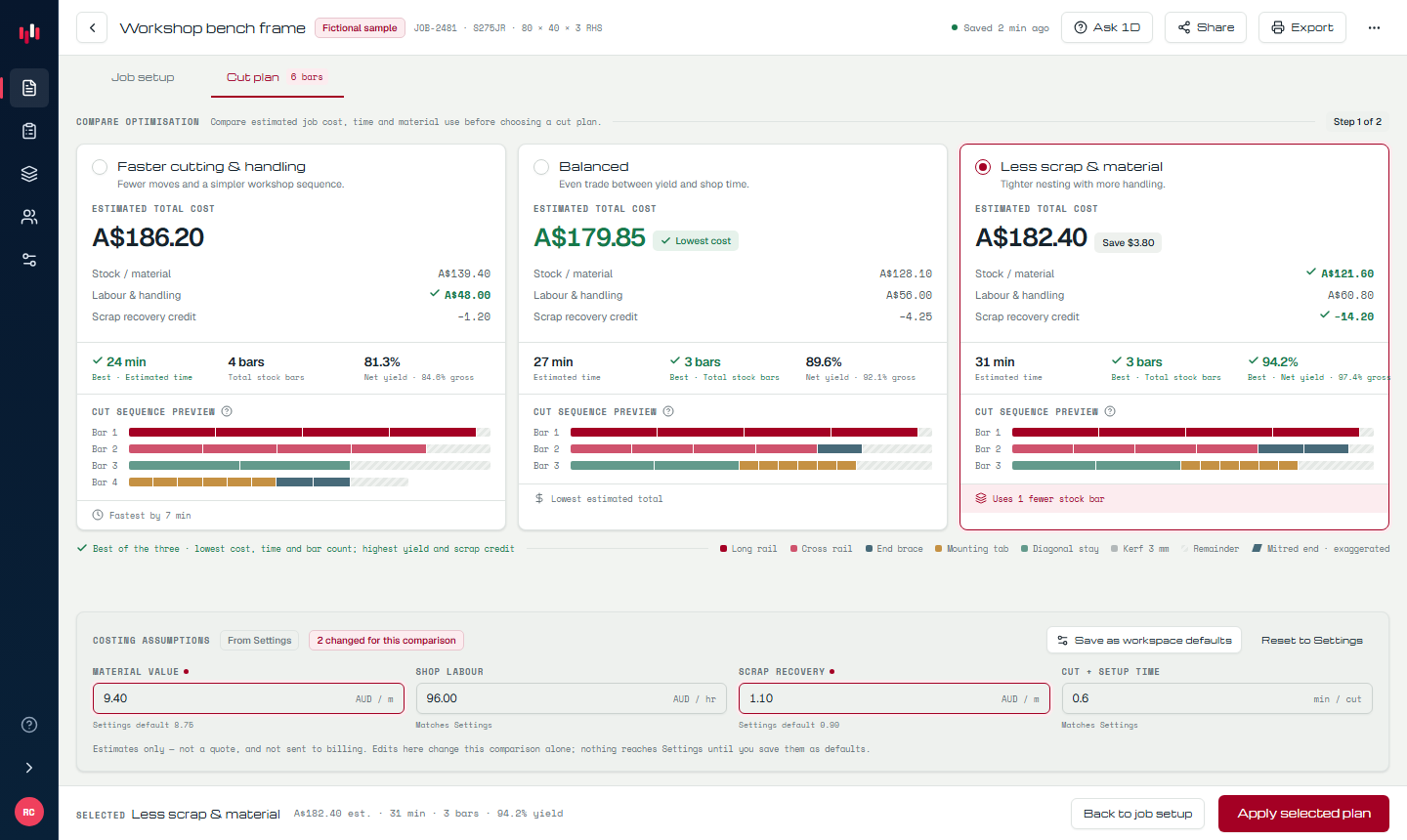
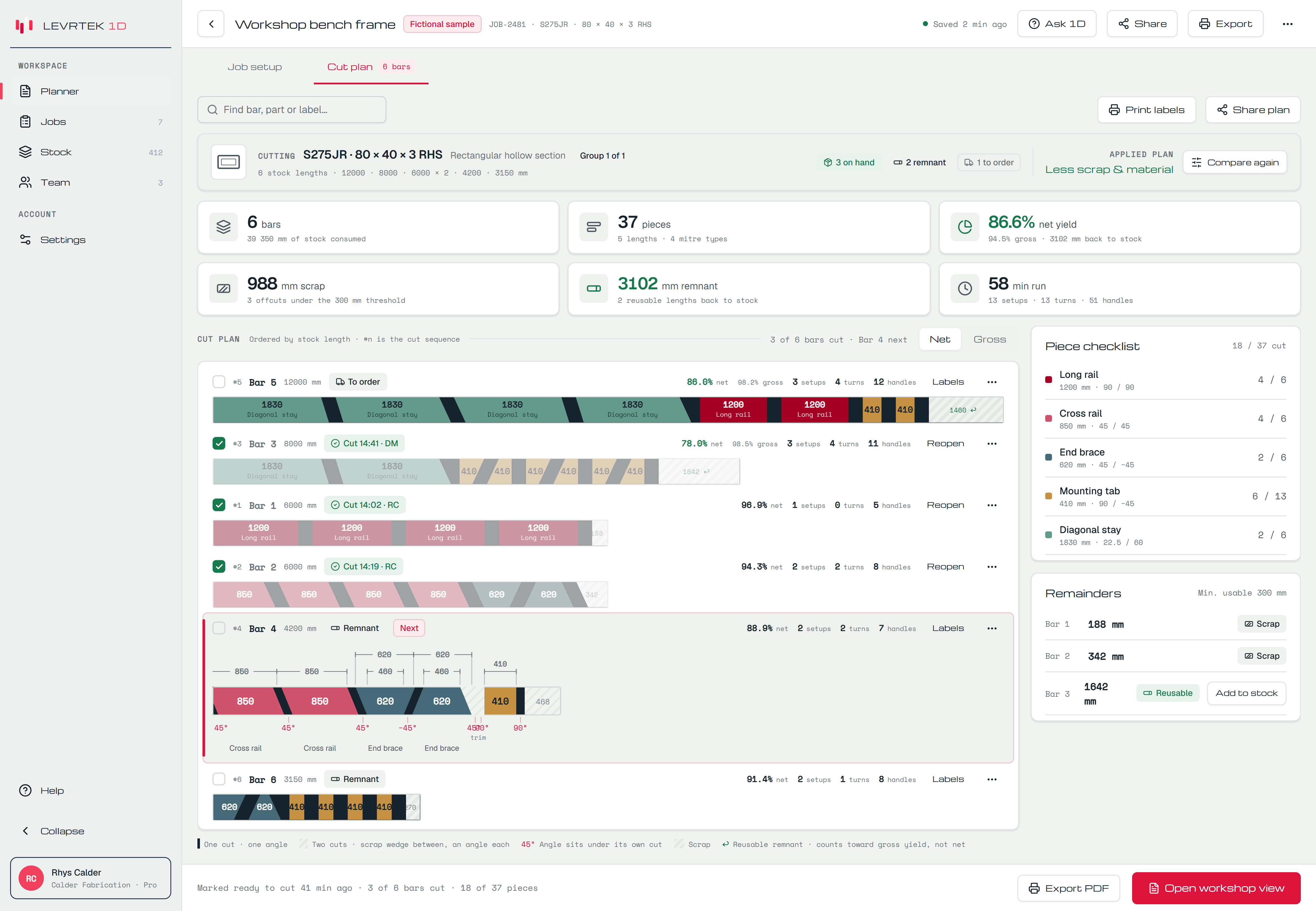
Work through the selected plan by setup or by stock bar. Each step keeps the saw angle, piece length, source bar and remaining work visible.
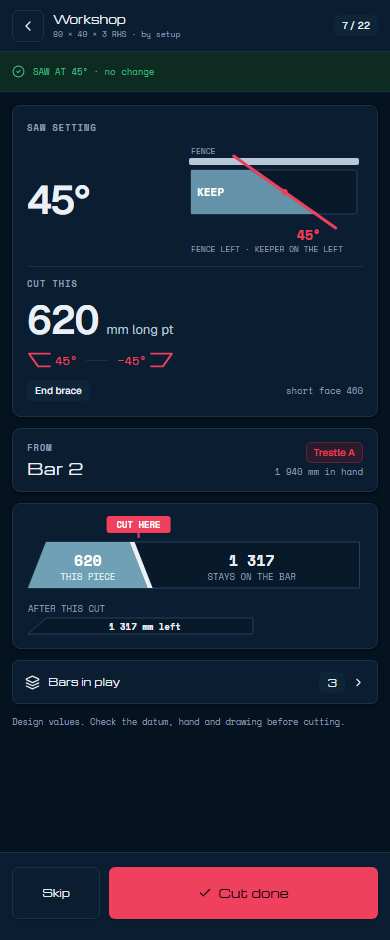
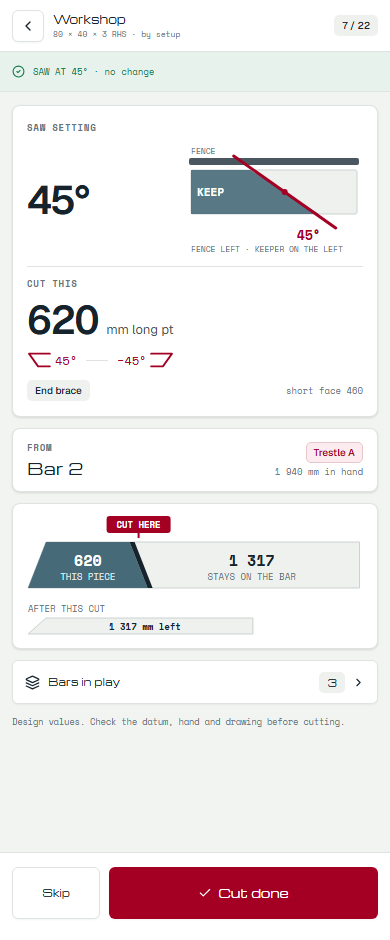
Enter the stock you have, compare practical plans, account for mitres and remnants, then take a checked cutting sequence to the workshop.
Enter stock lengths, finished pieces and quantities, then calculate immediately in the browser.
Inspect lower-waste and faster-cutting alternatives before choosing the plan that suits the job.
Plan square or angled ends with the blade width and end trims included in the material calculation.
Bring an existing cut list into the planner without typing every row again.
Mark usable offcuts and prioritise them when the next cutting plan is calculated.
Take a checked bar-by-bar cutting sequence to the workshop or into the next workflow.
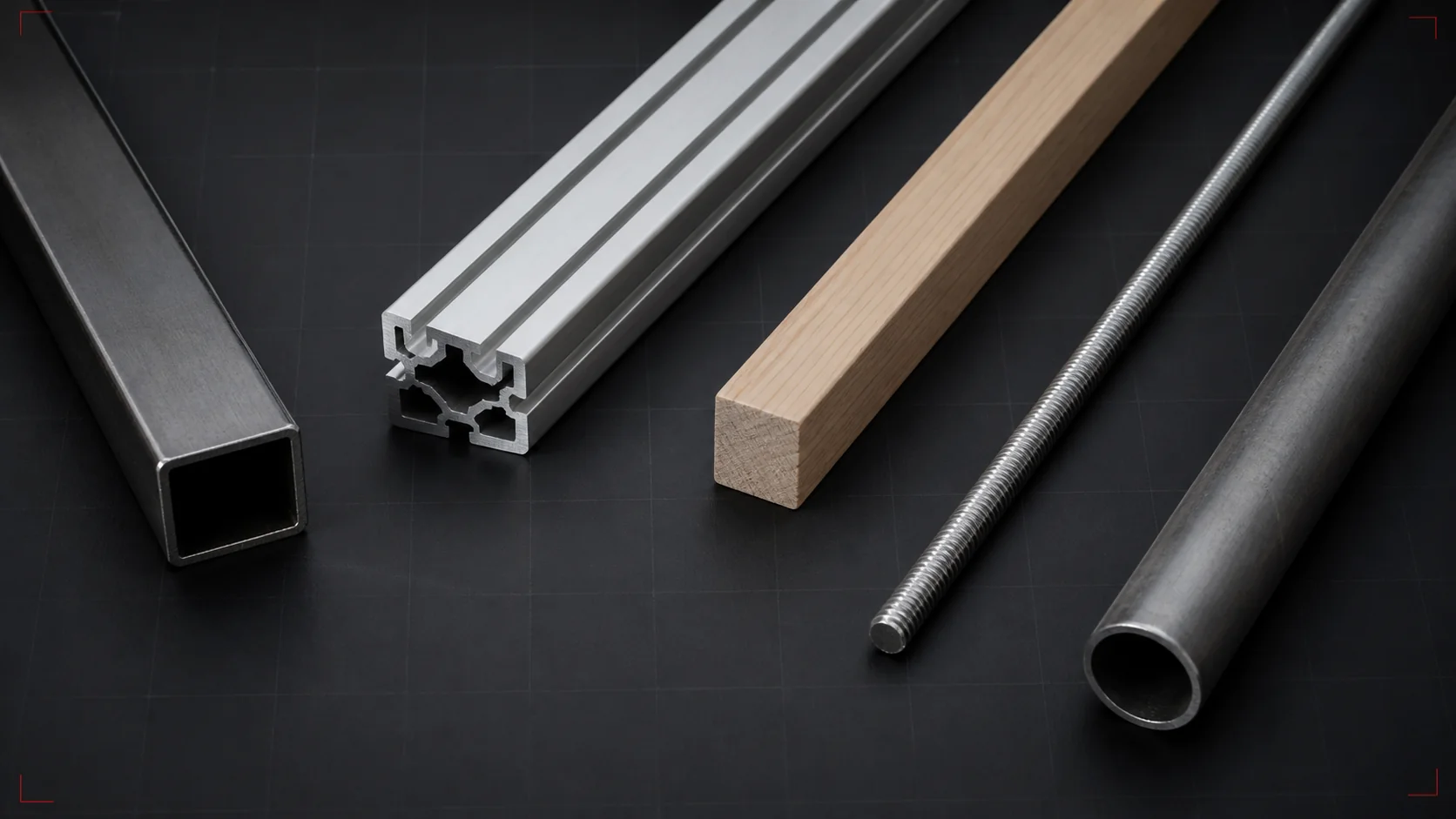
Use the same clear workflow for linear stock across fabrication, construction, joinery and assembly work.
Start in the browser without creating an account or entering a card. A free account adds remnants, angled cuts, print and CSV export.
We’ll email you when there’s a useful new planning tool or a meaningful improvement to the optimiser.